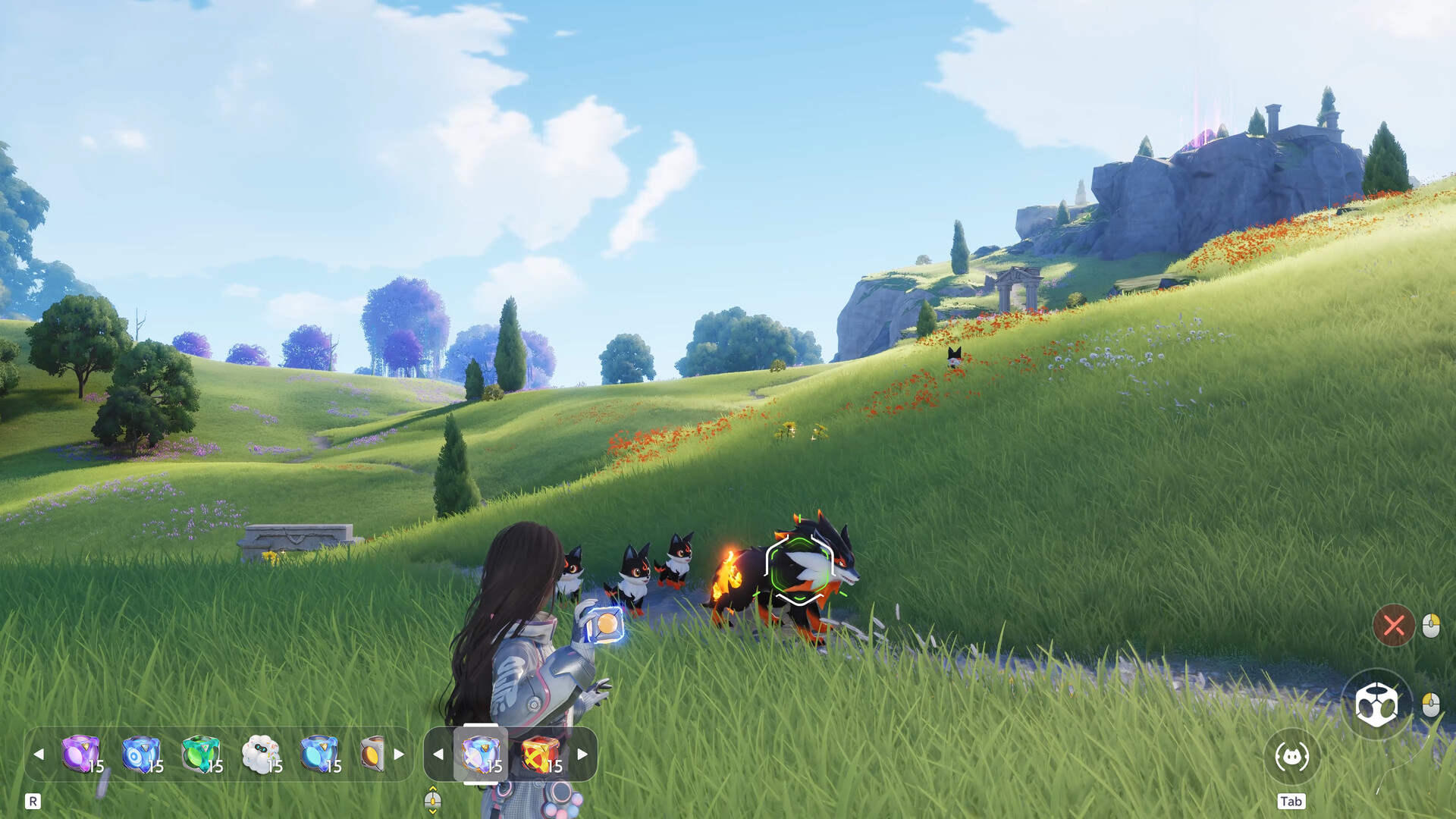
Claim on the console used for purchase
Log into Aniimo on the console platform and account used to buy your pre-order pack. Rewards go to the first character’s in-game mailbox. Claim the mail, then use the Companion Handbook item from inventory to activate it.
Advanced and Collector’s packs grant the corresponding paid Handbook tier. PlayStation’s accessory is Fluffy Friend; Xbox’s is Doggo Dude. The base game remains free.
Claim and activate the purchased pack
- Open the game on the console account used for purchase and claim the pack from your first character’s mailbox.
- Open inventory and use the Companion Handbook item. It activates that paid tier for the current version.
- Activate only one paid tier per version. Save unused redemption items for a later version; they do not expire.
- If you bought two packs but received only one, restart the game and log back in to claim the other.
Check the version before redeeming
The exclusive Prismana egg depends on the version in which the Handbook is redeemed. Upgrading an already active Advanced tier to Collector’s within the same version requires a paid upgrade.